Take a break.
Feel better.
A calm, privacy-first circadian discipline companion. Shield distracting apps at bedtime, wake up with cognitive missions, and mint screen time back with physical steps.
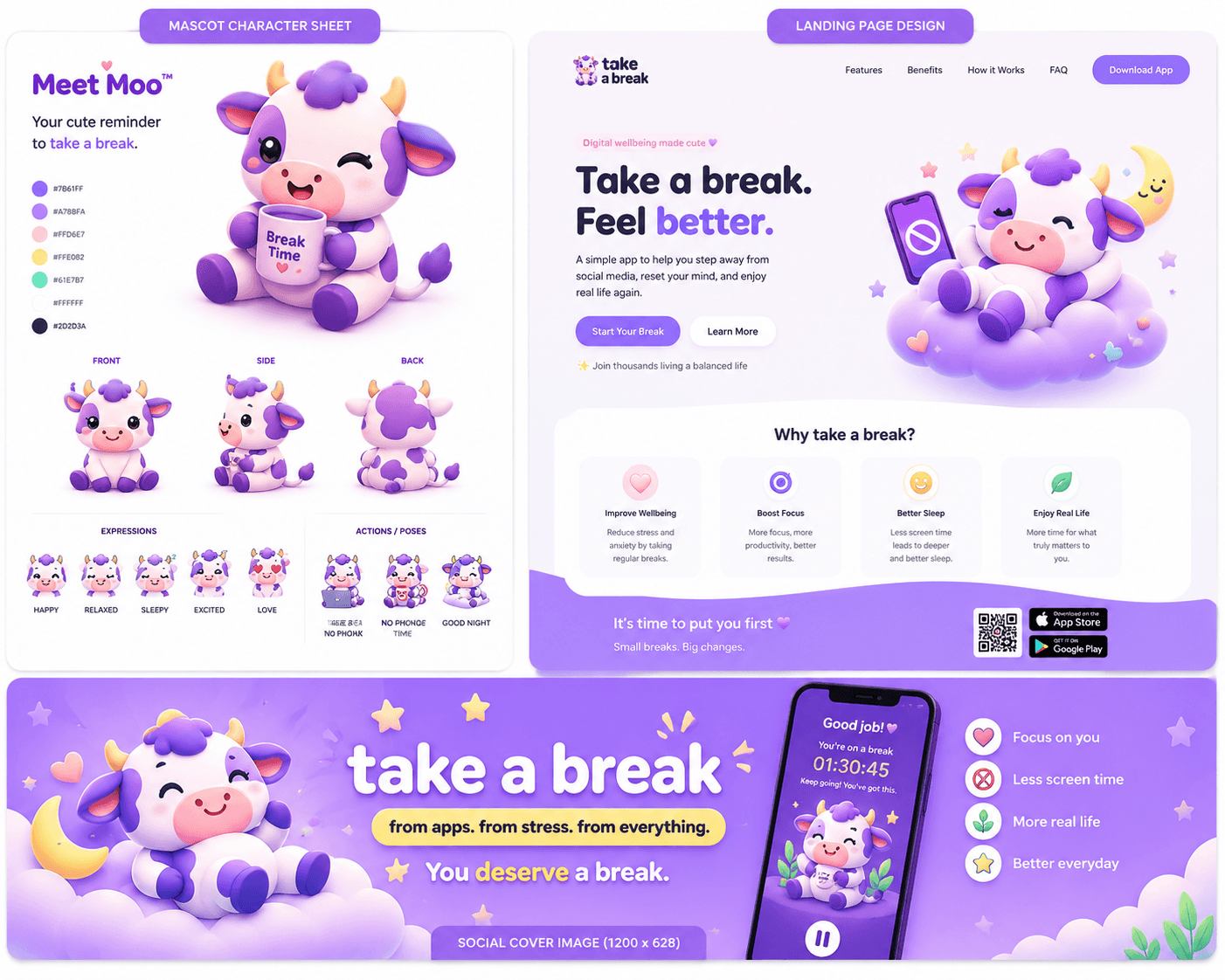
Your loyal, gentle companion who guards your focus and celebrates every morning victory.

Break in with intention
Early unlock is a deliberate trade: spend banked rest or earn a small amount by walking.
Everything You Need to Reclaim Your Focus
Take a Break combines cognitive friction, Apple Screen Time shields, and real physical movement into one unified system.
Block Distractions On Your Schedule
Choose the apps you want to rest. Take a Break uses official Apple Screen Time APIs to shield your selections natively without a VPN.
Explore the screen time blockerWalk-to-Mint Time
Walk 500 steps to mint 10 banked Time Bank minutes. Each minute of early unlocking costs two banked minutes.
Explore Walk-to-MintBuild a Calming Bedtime Routine
Give the late-night infinite scroll a definitive stopping point. Bedtime shielding locks addictive feeds so your mind can wind down naturally.
Explore bedtime featuresWake With an Active Mission
Replace endless snoozes with engaging morning missions: solve math problems, type daily affirmations, or scan a bathroom QR code to start your day alert.
Explore wake missionsThe 2:1 Time Bank Trade
Early unlocking is not free. Each minute of early access costs two banked rest minutes. Value your attention as a deliberate economic trade.
Explore the Time Bank tradeStrict Mode & Local Routine Data
App selections, mission proof, and step counting stay on your device. No account, no ads, and no data sale. Crash diagnostics and optional usage statistics are disclosed in the privacy policy.
Read our privacy policyTry the Walk-to-Mint Experience
Need an emergency app unlock? Instead of feeling guilty, trade real movement for digital time. Every 500 physical steps mints 10 local Time Bank minutes.
Give the Evening Scroll a Definitive End
Late-night algorithmic feeds are designed to capture your fatigue and keep you trapped. Take a Break activates your bedtime shield automatically, giving your mind the quiet container it needs to wind down naturally.

No More Mindless Snoozing
Stopping the ring is always possible. The app asks you to complete a mental or physical wake mission to settle the alarm; ringing stops before the in-app mission begins.
Explore an Example Time Trade
Example: assumes you cut the time you enter by 70% — your result depends on the schedule you set
Equivalent to 32 full 24-hour days back each year.
Example assumes 2,500 steps per available hour.
Example assumes 6 hours per book and the same reduction all year.
Meet Moo — Your Digital Wellness Companion
Moo transforms screen time limits from a clinical restriction into a calm, empathetic ritual.

Focus Moo
Calm and composed, sitting in quiet concentration while your distracting apps are resting.
Compare Take a Break with the Alternatives
Compare selected features and check the current listings for the details that matter to you.
| Capability | Take a BreakNative | Opal | One Sec |
|---|---|---|---|
| Walk-to-Mint (500 steps → 10 banked minutes; 2:1 early unlock) | Yes | Not listed in the public App Store description checked 8 September 2026; verify on the app page. | Not listed in the public App Store description checked 8 September 2026; verify on the app page. |
| AlarmKit wake missions (ring can always be stopped) | Yes | Not listed in the public App Store description checked 8 September 2026; verify on the app page. | Not listed in the public App Store description checked 8 September 2026; verify on the app page. |
| Native Screen Time integration | Yes | Yes | Yes |
Competitor details from public App Store listings, checked 8 September 2026; verify current features on their pages. Opal App Store listing · One Sec App Store listing.
Make Space for Your Day
Choose a monthly subscription with a one-month free introductory trial for eligible new subscribers when confirmed by Apple, or a one-time lifetime purchase.
Local prices and eligibility are shown in the App Store before purchase.
Monthly Subscription
1-Month Free TrialOne-month free introductory trial for eligible new subscribers on the monthly subscription. Then US$0.99/mo.
Lifetime Access
Pay Once, Own ForeverOne-time access purchase associated with your Apple Account. No recurring subscription payments.
Frequently Asked Questions
Everything you need to know about Apple Screen Time shielding, AlarmKit, and the Time Bank.

It's Time to Put Your Rest First.
Reclaim your evenings, build intentional mornings, and stop fighting your willpower alone. Download Take a Break today and experience digital peace.